
De-Register a Device from the "NMU" WiFi Network
De-Registering Devices for the "NMU" WiFi Network
You may want to remove a device from your account because you no longer use it, or because you have registered too many devices without web browsers (such as gaming consoles, etc).
- These instructions will show you how to de-register a device from the "NMU" WiFi Network.
- Keep in mind that if you will need to re-register the device if you you want to re-connect it to the "NMU" WiFi Network.
- These steps will only work on devices that are able to use a web browser.
- De-registering a device does not affect its ability to join or be removed from the NMU_WPA or NMU_LOGON WiFi Networks.
Looking for help registering a device, or just want to connect a device to the network?
For most phone/tablets/laptops/PC's, it is recommended you connect them to the "NMU_WPA" WiFi Network.
- Connectivity guide can be found at: https://it.nmu.edu/docs/connecting-nmu-wifi-using-nmuwpa-network .
For gaming consoles or other miscellaneous smart devices, it is recommended you connect them to the "NMU" WiFi Network.
- Connectivity guide can be found at: https://it.nmu.edu/docs/connect-device-nmu-wifi-network .
De-Registration Steps
Before you begin, ensure you are using a device that is currently connected to either the "NMU" WiFi or "NMU_WPA" WiFi and has access to a web browser.
- Navigate to https://register.nmu.edu/register in a web browser.
- Sign in using your NMU Username (first part of your email, everything up to the @ sign) and NMU Password.
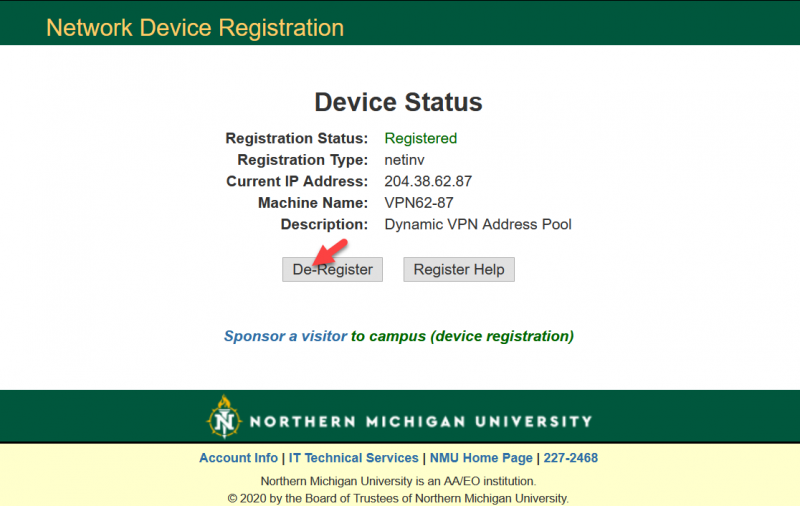
- Click on "De-Register." (This will not De-Register your current device).
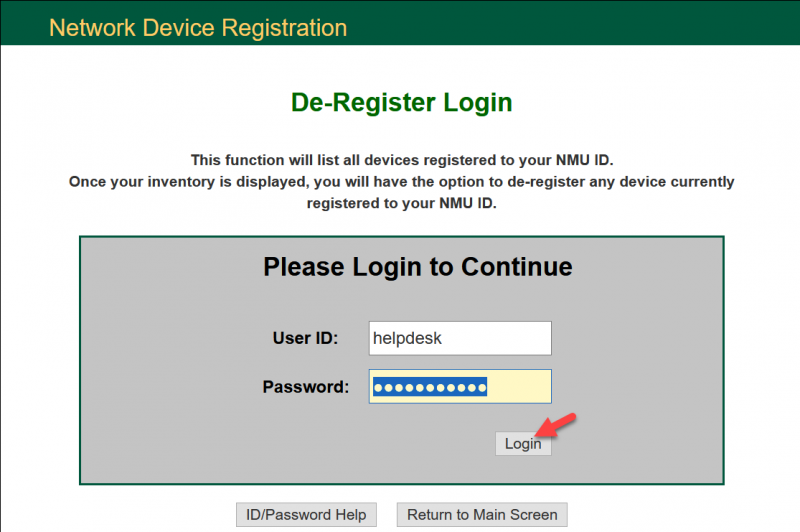
- Type in your username and password then click "Sign In."
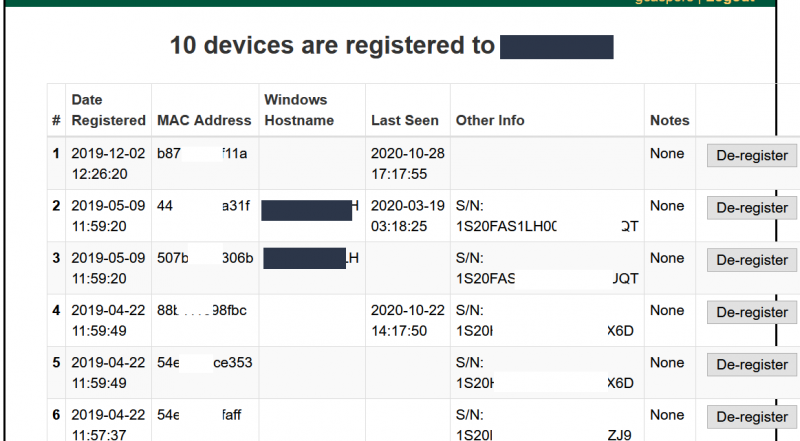
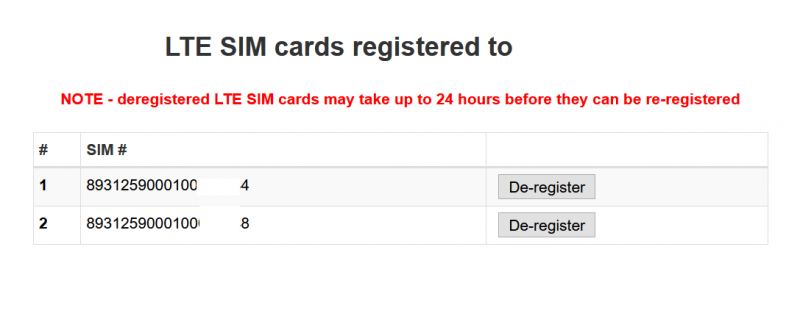
- Click the "De-Register" button next to the computer or device you would like to de-register. For sim cards/LTE devices you'll need to scroll to the bottom.
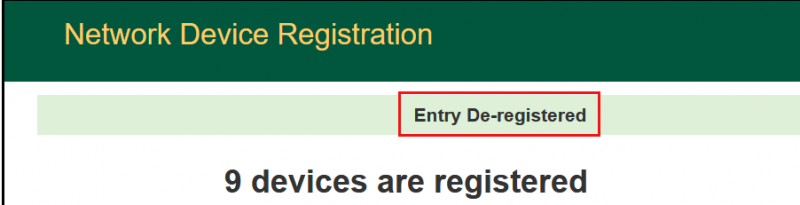
- Once you have clicked on the de-register button you will see the following message at the top of your devices. You can now choose to de-register more device or "Logout."
Rate this Article:
Documentation Category: